55f111 App – Android APK & Mobile Play
Download the official 55f111 app APK — free, 32 MB, runs on Android 7.0 and above. Play 4,400+ games, deposit via bKash or Nagad, and withdraw in around 29 minutes, all from your phone.
The 55f111 app is built for one-hand use on a 5-inch screen. It loads your bet slip in under two seconds on a standard mobile data connection and keeps your session alive across network switches — useful when you are watching a cricket match and moving between Wi-Fi and mobile data.
What Does the 55f111 App Run On?
Before you download, check that your device meets these requirements. The app installs as an APK file — meaning you get it directly from 55f111.ws, not from Google Play. That is normal for licensed betting apps in Bangladesh.
| Specification | Detail | Notes |
|---|---|---|
| App Version | 3.6.8 | Current stable release |
| File Size | 32 MB | Takes about 2–3 min on a standard 4G connection |
| Minimum Android | Android 7.0 (Nougat) | Works on Android 7.0 through Android 15 |
| Last Updated | 3 November 2026 | Check the app settings panel for future updates |
| Price | Free | No subscription or hidden charge to install |
| Language | English / Bangla | Switch from the in-app settings menu |
| iOS Support | Web app (PWA) | Add 55f111.ws to your home screen via Safari |
| File Name | 55f111.apk | Official download only from 55f111.ws |
If you already have an older version installed, uninstall it first before installing v3.6.8 to avoid signature conflicts.
Is the 55f111 APK Safe to Install?
The app requests only the permissions it genuinely needs. No access to your contacts, gallery, or microphone. Here is what each permission is for:
Internet Access
Needed to connect to game servers, process bets, and load live scores. Without this the app cannot function at all — it is not collecting background data when closed.
Push Notifications
Optional. Enable it to receive match alerts, bonus reminders, and withdrawal confirmations. You can disable notifications at any time from your phone's Settings app without affecting your account.
Storage (Read/Write)
Used only to save the APK update file when you download a new version inside the app. The app does not read your photos or personal documents stored on the device.
SSL Encryption
All traffic between the 55f111 app and the server is encrypted with TLS 1.3. Your bKash or Nagad transaction details are never stored on the device — they go directly to the payment gateway.
Download only from 55f111.ws
- Third-party APK sites may bundle malware into modified versions of betting apps.
- The official file is always at
/download/55f111.apkon this domain. - After download, check the file name is exactly 55f111.apk before tapping to install.
App or Browser — Which Works Better for You?
Both options give full access to your account and all games. The app has a few practical advantages if you bet regularly from your phone, but the browser is perfectly fine for occasional play.
| Feature | 55f111 App (APK) | Mobile Browser |
|---|---|---|
| Loading speed | Faster — cached assets | Reloads on every visit |
| Push notifications | Yes — match & bonus alerts | Not available |
| Network switch recovery | Session stays open | May need to reload |
| bKash / Nagad deposit | In-app redirect | Works in browser too |
| Minimum deposit | ৳100 — same as web | ৳100 |
| Withdrawal time | ~29 minutes | ~29 minutes |
| Live casino streaming | Optimised low-latency | Standard stream quality |
| Crash & slots games | All 4,400+ games | All 4,400+ games |
| Auto login | Saved credentials | Depends on browser |
| iOS support | Android only | All iOS browsers |
| Installation required | Yes — allow unknown sources | No — open and play |
| Storage used | 32 MB | Cache only (~5 MB) |
Already have an account? Log in directly from the app after installation, or register a new account — takes about two minutes.
How to Get the 55f111 App Running on Android
The process takes about five minutes on a standard 4G connection. Follow these steps in order — skipping Step 2 is the most common reason for an install failure.
-
01
Allow Unknown Sources
Settings → Security → enable install from your browser.
-
02
Download the APK
Tap Download APK on this page. Wait for 100% before opening.
-
03
Install the File
Open 55f111.apk from Downloads. Tap Install — takes under 30 seconds.
-
04
Log In or Register
Open the app, enter your credentials or create a new account in 90 seconds.
-
05
First Deposit
Wallet → Deposit via bKash or Nagad. Min ৳100. Funds arrive in ~4 min.
-
1
Allow Installation from Unknown Sources
Open your phone's Settings → Security (or Privacy → Install Unknown Apps on newer Android). Find your browser (Chrome or the Files app) and toggle "Allow from this source" to on. This tells Android you trust the APK file you are about to download. You can turn this off again after installation — it does not stay permanently enabled for all apps.
-
2
Download the APK File
Tap the Download APK button on this page (or the one in the Download section below). Your browser will save 55f111.apk (32 MB) to your Downloads folder. Wait until the download bar shows 100% — do not open the file mid-download, as a partial install can corrupt the app and trigger a "Package damaged" error.
-
3
Open the APK and Start Installation
Pull down your notification shade and tap 55f111.apk, or navigate to your Downloads folder and tap it there. The Android installer screen will show the app name, version 3.6.8, and the two permissions it requests. Tap Install. Installation itself takes under 30 seconds on most devices — no account or Google Play sign-in required at this stage.
-
4
Open the App and Log In
Tap Open on the installer confirmation screen, or find the 55f111 icon in your app drawer. The login screen loads immediately. Enter your username and password, tap Log In, and you are inside the lobby. If you do not have an account yet, tap Register — the form asks for your mobile number, a password, and your preferred currency (BDT). The whole registration takes about 90 seconds.
-
5
Make Your First Deposit
Go to Wallet → Deposit. Select bKash, Nagad, Rocket, or Bank Transfer. The minimum is ৳100. For bKash and Nagad, you will be redirected to the payment app on your phone — confirm the amount there and return to 55f111. Deposits arrive in your account within about 4 minutes. After your first deposit you are eligible for the 105% welcome bonus up to ৳5,500.
Playing on iPhone — Add to Home Screen
Apple does not allow third-party APK files on iOS. The best option for iPhone users is to add 55f111.ws as a web app — it behaves like a native app once pinned to your home screen.
- Open Safari on your iPhone and go to 55f111.ws. (Chrome and Firefox on iOS do not support the "Add to Home Screen" prompt — use Safari specifically.)
- Tap the Share icon at the bottom of the screen — it looks like a box with an upward arrow. Scroll through the share sheet options until you see "Add to Home Screen".
- Tap "Add to Home Screen", then edit the name if you want (the default "55f111" is fine), and tap Add in the top-right corner. The 55f111 icon now appears on your home screen like a normal app.
- Tap the icon to open it. The site loads in full-screen mode without the Safari toolbar, giving you more vertical space for the game grid. Log in as usual — your session is saved between visits.
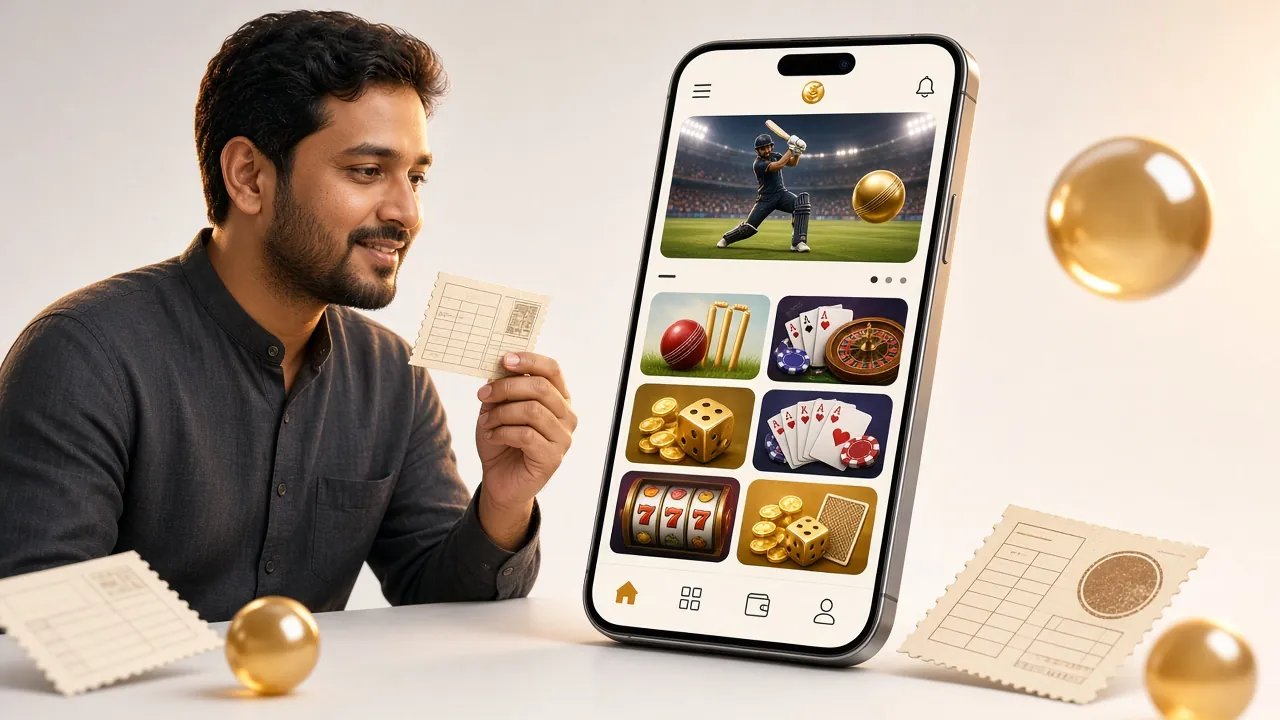
What's Inside the 55f111 App?
Once installed, every part of the platform is a few taps away. Here are the six areas you will use most:
Slots & Crash Games
Over 4,400 games from PG Soft, Pragmatic Play, Spribe, and KA Gaming load directly in the app. Monster Mine (97.1% RTP), Dragon Tiger (97.7%), and Crash Bonus (96.5%) are some of the most played. Minimum bet on most slots is ৳1–৳2, so you can test a game before betting larger amounts.
Live Casino Streaming
Evolution and Ezugi power the live tables — Baccarat, Roulette, Andar Bahar, and Teen Patti. The app streams at a lower bitrate than desktop by default, which helps on mobile data. Mini Baccarat from Sexy Gaming has an RTP of 97.7% and a minimum bet of ৳5. See more at the 55f111 Casino page.
Cricket & Football Betting
Place bets on BPL, IPL, T20 World Cup, and Premier League matches. The app shows live scores and updates odds in real time. In-play betting is available for most top-tier matches. Shaolin Soccer from PG Soft is a fun quick-play option during the half-time break — RTP 95.6%, min bet ৳1.
Deposits & Withdrawals
Tap Wallet from any screen to deposit or withdraw. bKash and Nagad transfers arrive in about 4 minutes. Minimum deposit is ৳100; minimum withdrawal is ৳1,000. Daily withdrawal limit is ৳70,000 at Classic tier — this rises with VIP level. Full details on the deposit guide.
Bonuses & VIP Tracker
Your active bonus progress and VIP turnover counter are visible on the home screen. The first-deposit bonus gives 105% up to ৳5,500 with a 10x wagering requirement. Daily cashback of 1.5% is applied automatically. Referral bonus is ৳575 per friend. The app shows exactly how much wagering is left before you can withdraw a bonus.
24/7 Live Chat Support
Tap the chat icon from any screen to reach the support team. Response time is typically under three minutes during peak Bangladesh evening hours. You can also reach them at [email protected] for account or KYC queries. KYC document review takes up to 12 hours — submit your National ID, Passport, or Driving Licence from the Verification tab in the app.
Popular Games on the App


Ready to Download the 55f111 APK?
The file is hosted directly on this server. If the download does not start automatically, tap and hold the button and choose "Save link as" from your browser menu.
This APK is scanned before each release. No adware, no data tracking beyond what is listed in the permissions section above.
Installation Not Working? Try These Fixes
Most errors happen because of one of five causes. Find your error message below and follow the fix — these cover the vast majority of support tickets about the 55f111 app.
| Error / Problem | Most Likely Cause | How to Fix It |
|---|---|---|
| "Install blocked" or "not allowed" | Unknown sources permission was not enabled before tapping the APK file. | Go to Settings → Security → Install Unknown Apps. Find your browser or file manager and enable it. Then tap the APK again. The option resets after a few days on some devices — this is normal Android security behaviour. |
| "Package damaged" or "corrupt file" | The download was interrupted mid-way (network drop, storage full, or the file was opened before fully downloaded). | Delete the partial 55f111.apk from your Downloads folder. Check you have at least 100 MB free storage, then download again. Wait until the browser confirms the download is complete (100%) before tapping it. |
| "App not installed" error after tapping Install | An older version of the 55f111 app is already installed with a different signing key — this happens if you previously installed from a third-party source. | Go to Settings → Apps → 55f111 and uninstall the existing version completely. Then install the fresh APK from this page. You will not lose your account — log back in with your username and password after reinstalling. |
| App installs but crashes on opening | Device is running Android 6 or lower (below the minimum requirement of 7.0), or insufficient RAM (less than 1 GB free). | Check your Android version at Settings → About Phone. If you are on Android 6, upgrade your device or use the mobile browser version at 55f111.ws instead — it works on Android 5 and above. Close background apps to free RAM and try again. |
| Login screen loads but throws "connection error" | Your mobile network is blocking the domain — some ISPs in Bangladesh throttle betting sites on specific carrier plans. | Switch to a different network (try Grameenphone, Robi, or Banglalink if your current carrier is blocking). Alternatively, connect via Wi-Fi. If the issue persists, contact support at [email protected] with your carrier name and they will suggest a working access point. |